Career & professional
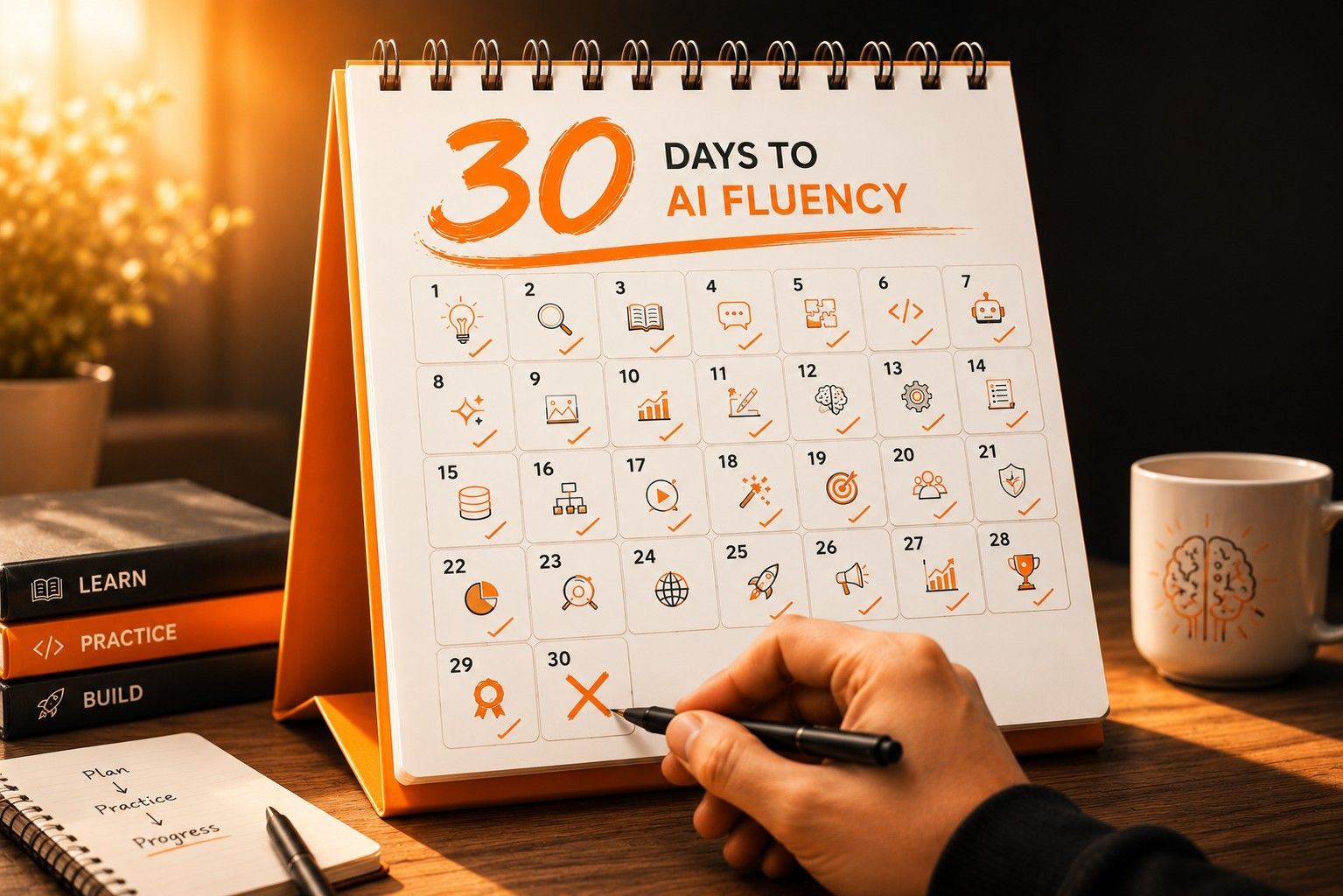
From Zero to AI‑Fluent in 30 Days: A Real Plan That Works .
If you’re a student, job seeker, or early‑career professional and you’ve heard “You must learn AI” but still feel like an outsider, this is your shortcut. This isn’t a “crash course” or a hype‑filled checklist. It’s a research‑backed, 30‑day plan to go from “What even is AI?” to being AI‑fluent in your daily life and career, without coding, statistics, or complex math.
By the end of this plan, you’ll be able to:
Explain AI in plain language to a recruiter, manager, or friend.
Use AI daily to write better resumes, emails, and LinkedIn posts.
Embed AI into your study, projects, and workflows so you save time and look sharper.
The secret? Small daily actions, real‑world tasks.
What “AI‑Fluency” Actually Means
Being AI-fluent here is not about building systems or writing code. It's about:
Understanding AI well enough to talk about it confidently.
Using AI tools regularly to get real work done.
Applying AI to your specific field, whether that's marketing, sales, HR, or academics.
That's it. Clear, practical, and career-relevant.
How This 30-Day Plan Is Built
This plan is built around four ideas that actually make learning stick:
1. Daily practice, not weekend marathons
Thirty to sixty minutes a day, every day, beats a five hour session once a week. Consistency is what builds the habit.
2. Write it from memory, once a week
At the end of each week, you close your notes and re-write what you learned in your own words. This is one of the most effective ways to make new knowledge stay in your brain long-term, and it takes ten minutes.
3. Attach every new idea to a real task
Every concept in this plan is tied to something you actually do: resumes, emails, LinkedIn posts, project plans. If it doesn't connect to real life, it won't stick.
4. Go deep with a few tools, not wide with many
You start with one or two chat-based AI tools, like ChatGPT, Claude, or Gemini, and maybe one visual tool. Chasing every new AI app is the fastest way to learn nothing useful.
Week 1: Build Your AI Mindset and a Daily Habit (Days 1–7)
Your goal this week: understand what AI actually is, in plain language, and build the habit of using it every day.
By the end of Week 1, you'll be able to explain AI in 60 seconds to a recruiter or friend, use one AI tool for a small task every day, and name at least three ways AI is already changing your field.
How to approach this week: Spend 30–60 minutes a day. Do one AI task per day. At the end of the week, re-write your notes from memory without looking back, then compare.
Day 1 - Understand what AI actually is.
Watch or read one short beginner-level AI explainer (Andrew Ng's "AI for Everyone" is a solid free option). Then, from memory, write three things: what AI is, one thing AI still struggles with, and one job in your field that's already being reshaped by it.
Day 2 - Build your own AI explanation
Ask an AI to explain itself in 300 words for a college student who's never used it before. Then edit that down into a 60-second version you could say out loud, in an interview, a networking chat, or a casual conversation.
Day 3 - Pick your AI goal
Choose one focus for the next 30 days:
Student: "Use AI to plan projects, write essays, and prep for interviews."
Job seeker: "Use AI to write better resumes, cover emails, and LinkedIn posts."
Working professional: "Use AI to draft emails, reports, and presentations faster."
Days 4–7 - One small task per day
Each day, pick one thing from your real life and hand it to an AI:
Summarise a long article or news piece.
Rewrite a messy email into something clean and professional.
Break a big project into 5–10 steps.
Turn rough notes into a short LinkedIn post.
At the end of Day 7, re-write your Week 1 notes from memory, then check against your originals.
Week 2: Use AI for Real Tasks, Not Experiments (Days 8–14)
Your goal this week: stop using AI as a novelty and start using it as a proper work tool.
By the end of Week 2, you'll have a personal bank of ready-to-use prompts for your most common tasks, and you'll understand that the quality of what AI gives you depends entirely on how clearly you ask.
How to approach this week: Every AI task must be tied to something you actually do. Save and refine your best prompts in a simple document as you go. On Day 14, re-write your best prompts from memory.
Day 8 - Learn one simple prompt structure
Use this template for every prompt this week:
- "You are a [role]. I'm a [role]. I want to [goal]. Give me [format]."
For example: "You are a career coach. I'm a second-year BCom student wanting to work in digital marketing. Give me a 30-day skill-building plan in three bullet points."
This simple structure forces you to be specific, and specific prompts get far better results.
Days 9–11 - Build prompts for your three most common tasks
Pick three tasks you do regularly and write an AI prompt for each:
Resume: "Rewrite this bullet point to appeal to recruiters in [industry] using strong action words."
Study: "Explain this concept like I'm a second-year college student. Use examples from India if possible."
Work: "Turn these rough meeting notes into a three-point email to my manager."
Run each prompt two or three times, tweak the wording, and save the version that works best.
Days 12–14 - Add simple limits and refine
Start adding short constraints to your prompts:
"Maximum three bullet points."
"Keep it simple, no complicated words."
"Tone: friendly but professional."
This trains you to be more precise, and trains the AI to match your style. At the end of Day 14, re-write your five best prompts from memory and then compare and improve them.
Week 3: Apply AI Directly to Your Field (Days 15–21)
Your goal this week: stop using AI generically and start using it for the specific work you actually do.
By the end of Week 3, you'll have a personal list of five to seven AI use-cases in your field and real prompts that work for each.
How to approach this week: Every task must connect clearly to your job, studies, or career goal. Focus on one or two new applications per day. Keep saving your best prompts.
Day 15 - Map AI to what you actually do
Write five to seven realistic ways AI could help in your specific field. For example:
Marketing / Digital Marketing: generate content ideas, write ad copy, come up with audience research questions.
Sales / Business Development: outreach emails, follow-up scripts, practice negotiation conversations.
HR / Recruitment: job descriptions, interview questions, candidate feedback messages.
Students / Academics: summaries, study notes, project plans, essay outlines.
Days 16–18 - Build working prompts for each use-case
For each item on your list, write one or two prompts and actually run them. For example:
For students: "You are a career coach. I'm a second-year BCom student in India who wants to work in digital marketing. Give me a 30-day self-learning plan with tools, resources, and weekly targets."
For job seekers: "You are an HR recruiter in India. I'm a fresher applying for entry-level marketing roles. Write five short LinkedIn posts that highlight my skills without sounding like I'm showing off."
Run, adjust, and save the best results.
Days 19–21 - Try one visual or creative tool
Spend a day or two with a simple design-style AI, something like Canva's AI features. Use it to turn your text into a basic one-page summary, a simple slide, or a visual post. The goal isn't to become a designer. It's to get comfortable with the idea that AI can help with visuals too, not just writing.
Week 4: Build Something and Make It Career-Ready (Days 22–30)
Your goal this week: turn everything you've learned into visible proof that you can actually use AI.
By the end of Week 4, you'll have a small project that shows your AI fluency, something you can point to in a LinkedIn post, an interview, or a networking conversation.
How to approach this week: Build at least one small project. Document what you did, which prompts you used, and how your time or output improved. Use AI for at least one real job hunting or career task every day.
Days 22–24 - Build a small project
Choose one that fits your situation:
For students: "30-day AI-powered study plan for [your subject]", including weekly learning targets, AI-generated summaries, practice questions, and a simple progress tracker.
For job seekers: "10 AI-written email templates and a tracking sheet", covering cold outreach, follow-ups, and post-interview thank-you messages.
For working professionals: "AI-assisted weekly report system", a process that turns your rough notes into a clean, polished three to five-point summary every week.
Save screenshots, the prompts you used, and short notes on what worked.
Days 25–27 - Create a one-page AI portfolio
Turn your project into a one-page document or Notion page titled something like: "Here's how I use AI in my everyday work."
Include three to five short descriptions or screenshots of things you produced with AI. Add two or three before-and-after comparisons: how long something used to take versus now, or how the quality changed. This becomes a conversation starter in interviews, LinkedIn messages, and networking chats.
Days 28–30 - Use AI where you're already spending time
Apply it directly to whatever you're working on:
Resume: "Rewrite this resume to align with these five job titles I'm targeting."
LinkedIn: "Generate seven one-line achievement posts about my projects and skills."
Networking: "Write three short, warm follow-up messages for people I met this week."
On Day 30, re-write your entire 30-day plan from memory on one page. Then compare it with this article. That final exercise is what locks the whole structure in your head.
How to Make This Actually Stick
A few simple things that prevent this from becoming another plan you abandon:
Attach AI to something you already do. After you check WhatsApp or your email in the morning, do one AI task. Before you start studying, ask AI for a five-bullet summary of what you're about to read. Hook it to an existing habit so it doesn't need willpower.
Track two numbers only. Time saved per week, and number of AI-assisted tasks completed. That's it. More metrics become noise.
Re-write your notes once a week. Every seventh day, close everything and write down what you've learned from scratch. This is the one thing that separates people who remember what they studied from people who forget it by the following weekend
The gap is growing every day.Close it.
Download Project Shift free and start your first lesson today.
Download FreePlans start at just ₹4,999/year ₹999/year